
*** Update: Looking for my free September 2026 wallpapers? Head here! ***
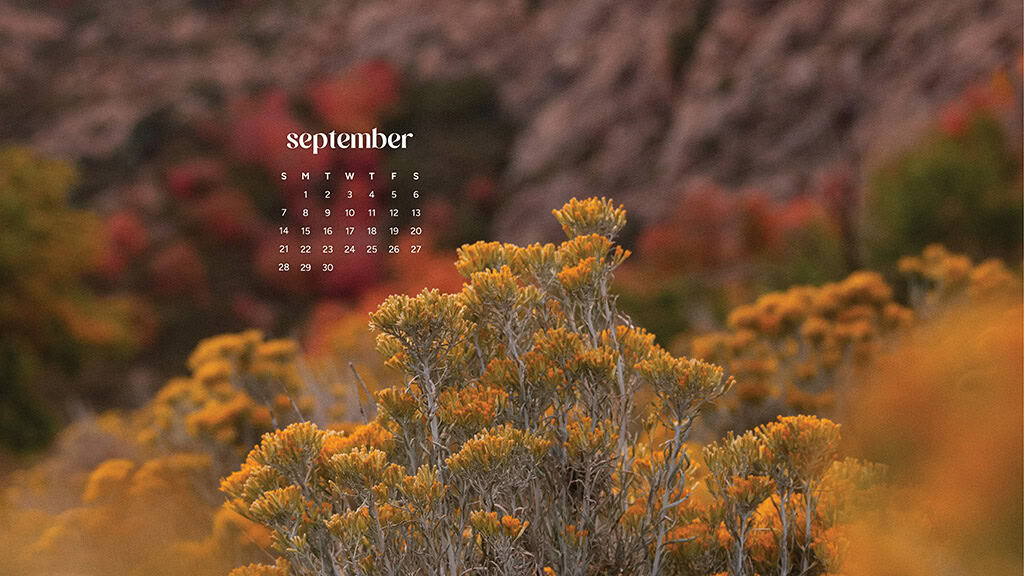
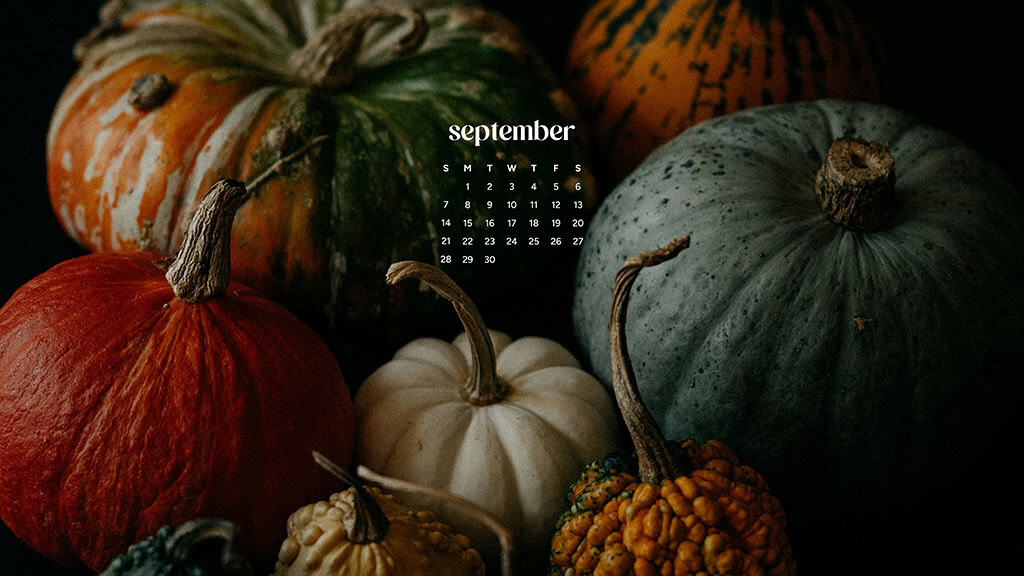
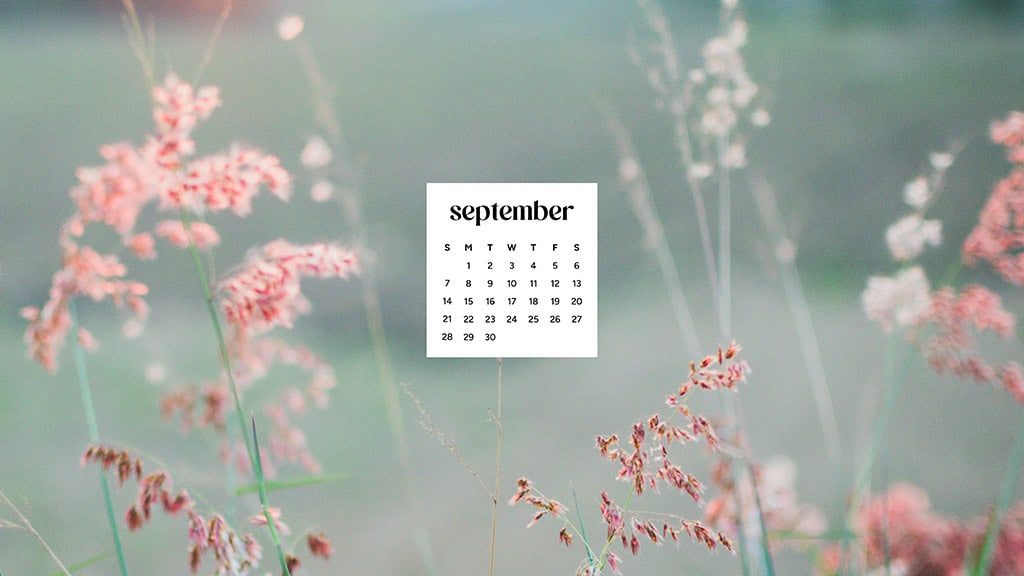
September 2025 is heading our way soon – that means my 50 FREE phone and desktop wallpapers are ready! I’m sharing options in Sunday and Monday starts + no calendar, as always!
There are also 5 Hispanic Heritage Month wallpapers – so keep scrolling for those!
Below you’ll find many different styles – autumn/fall, nature, colorful, travel, plants, florals, bright, dark, neutral, and more!
Keep scrolling down to see all the choices!
*** Get the FREE September 2025 download links by clicking any of the numerous turquoise buttons in this post. Which will take you to an organized Dropbox folder. The images can sometimes load a bit slow on Dropbox, but if you view them as a list they show up quicker. If you run into any issues you can email me at audrey@ohsolovelyblog(dot)com. ***











And now for the 5 September 2025 Hispanic Heritage Month wallpapers.
They’re also available in Monday start and no calendar options for desktop and phone.


Are you more of a phone wallpaper person? Scroll the Monday start options below!
Remember I always share these wallpapers in no calendar and Sunday start. Options, options!


Most of the time I prefer no calendar wallpapers so I can use them longer.
Scroll down to check out the no calendar desktop wallpapers:


And finally… let’s check out my no calendar phone wallpapers!
I hope you find one (or more) that you love, and I get extra excited when you share them with your family and friends!


Please send me pics of these wallpapers on your ipads, laptops, and phone screens! I love to see them out in the wild.
Please tag me on Pinterest, Instagram, and Facebook to show me your chosen wallpaper.
If you’re searching for more freebies, I share LOTS more here.
Also I shared my 80 free 2025 printable calendars recently!
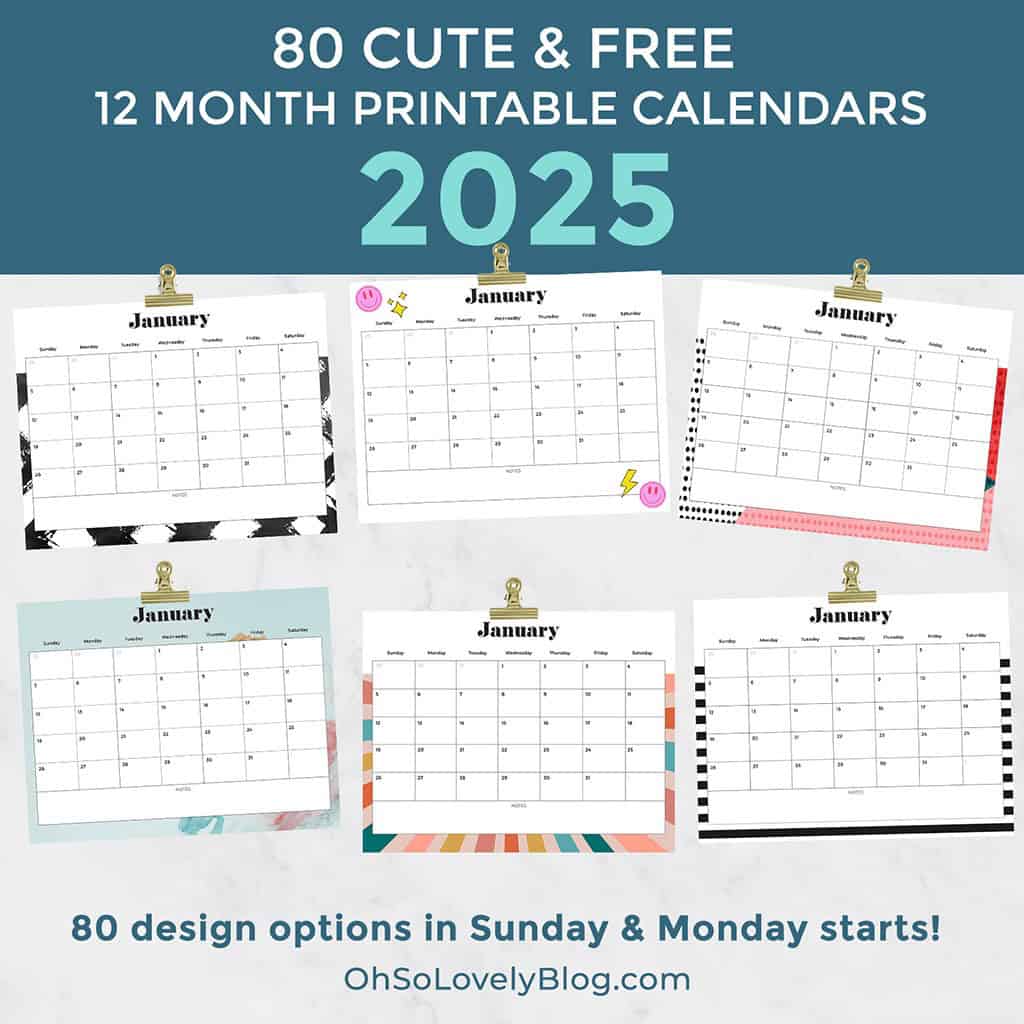
Since 2013 I’ve been sharing my free printable calendars – thank you for your support and interest.
I use these calendars to plan vacations, kid activities and sports, meals, workouts, blog posts, social posts, and more! They’re also great to print out and gift to a friend during the holidays or a birthday!
How to set up desktop background on a Mac
Choose Apple () menu > System Preferences, then click Desktop & Screen Saver. From the Desktop tab, select a folder of images on the left, then click an image on the right. Desktop & Screen Saver preferences window to add a folder of your own images. Click the Add button below the list of folders. For more information about the settings in this window, click the question-mark icon in the corner of the window.
How to set up desktop background in Windows
The easy way to set a picture as the desktop is to open the image. Then right-click it to choose Set as desktop background. You can also right-click the picture file in browser. You don’t even have to open the picture to set it as the desktop background.