
May 2026 will be here in a flash – time for my my 47 FREE wallpapers! All are available for both phones and desktops.
There are 47 different wallpaper options in many different styles. Something for everyone – beach, travel, florals, spring, plants, neutral, floral, colorful, and more!
I also included options for Memorial Day, Asian American and Pacific Islander (AAPI), and Jewish American Heritage Months.
All are available in Sunday and Monday starts (plus no-calendar starts) for phone and desktop. Keep scrolling to explore them all!
Download directions
Get the FREE download links by clicking any of the numerous turquoise buttons scattered below. It’ll bring to you my Dropbox folders. You don’t need to join my folder, just click view on web if you see that option. If you run into any issues you can email me at audrey (at) ohsolovelyblog.com. 🙂





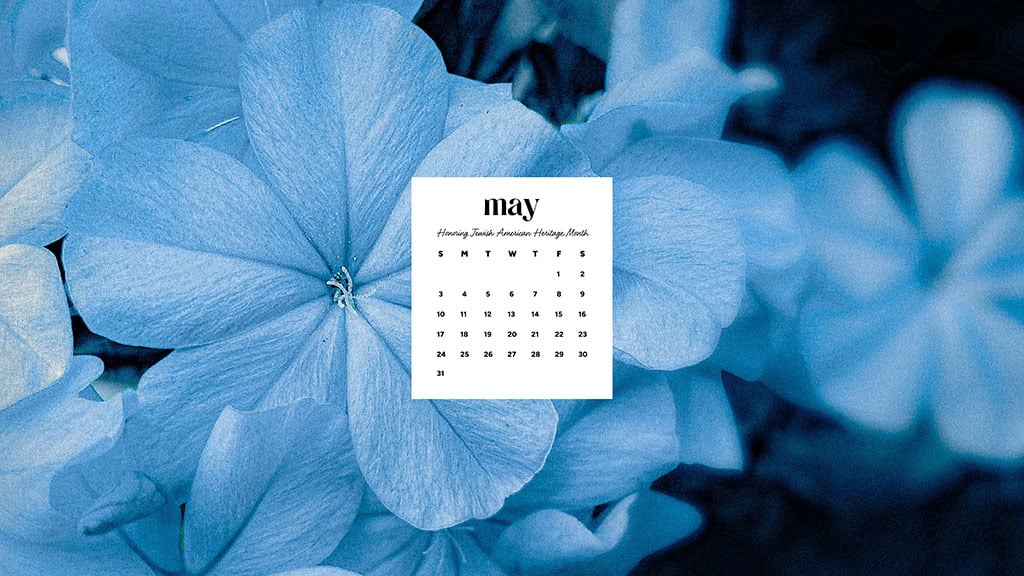


More of a phone wallpaper person? Scroll to see all of the Monday start options.
They are always available in Sunday start and no calendar options too.


My no calendar wallpapers are great to keep up for longer. Check out all the May 2026 desktop options.


And lastly, let’s see my no calendar phone wallpaper options!


I get excited to see my wallpapers on your phones and computers! Please tag me on Pinterest, Instagram, and Facebook – thank youuu.
Looking for more freebies? I share many more here.
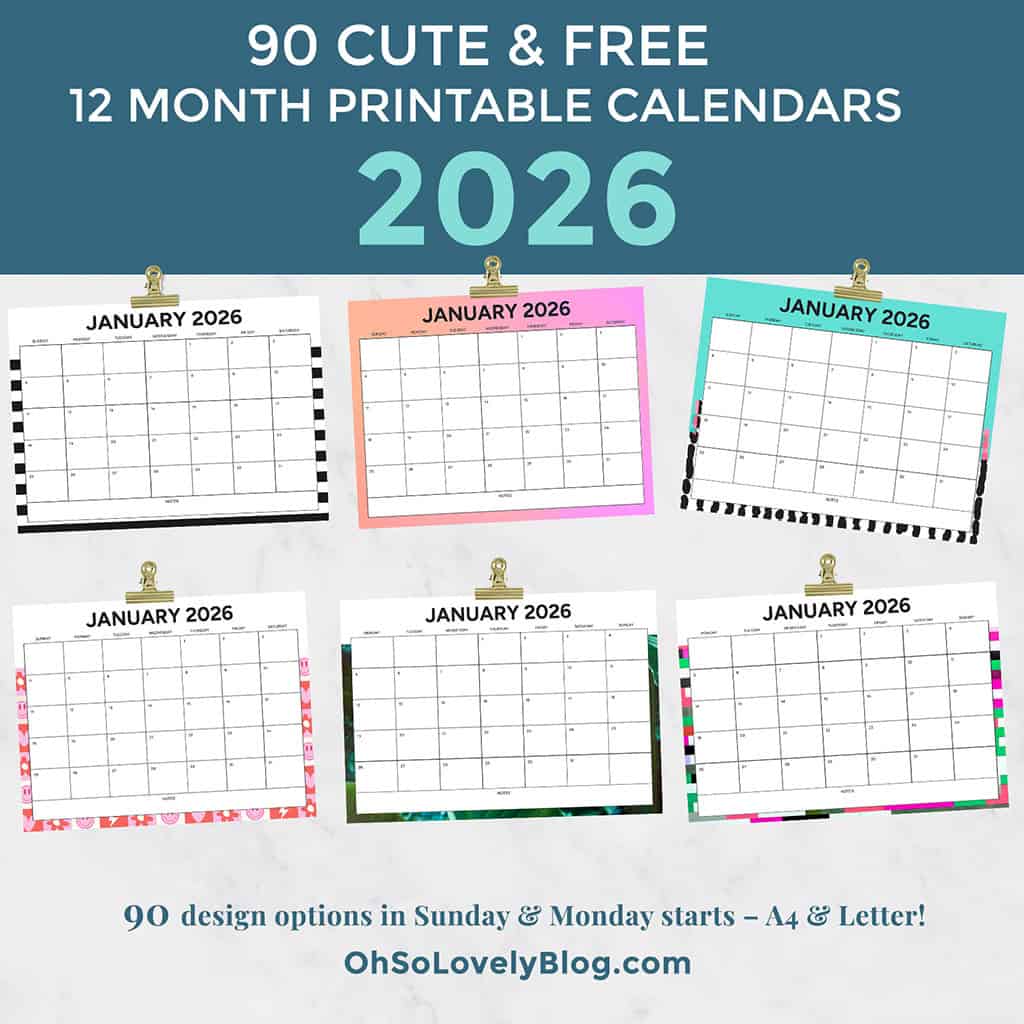
Searching for free printable 2026 calendars? I share 90 FREE options.
My free printable calendars are great for planning everything. From vacations to workouts, meals, school activities, and more!
How to set up desktop background on a Mac
Choose Apple () menu > System Preferences, then click Desktop & Screen Saver. From the Desktop tab, select a folder of images on the left, then click an image on the right. Desktop & Screen Saver preferences window to add a folder of your own images. Click the Add button below the list of folders. For more information about the settings in this window, click the question-mark icon in the corner of the window.
How to set up desktop background in Windows
The easy way to set a picture as the desktop is to open the image. Then right-click it to choose Set as desktop background. You can also right-click the picture file in browser. You don’t even have to open the picture to set it as the desktop background.