
June 2026 is sneaking up on us – time for my 47 FREE phone and desktop wallpapers! All options are available in Sunday and Monday starts + no calendar!
I designed a set of 6 LGBTQIA+ Pride wallpapers too – scroll for those.
There are options like travel, beach, floral, plants, nature, colorful, neutral, summer, and more.
Download directions
Get the FREE download links by clicking any of the numerous download turquoise buttons scattered throughout this post. It will bring to you my Dropbox folders. You will not need to join my folder, just click “view on web” (or similar) if you see that option. If you run into any issues you can email me at audrey (at) ohsolovelyblog.com and I can even email them to you. 🙂





6 LGBTQIA+ Pride Month wallpaper options


Prefer phone wallpapers? Shown below are the Monday start options.
Of course I share them ALL in Sunday start and no calendar options too. 🙂


Many times I prefer a no calendar wallpaper, so I can leave it up longer. Here are those options.


Lastly, take a peek at the no calendar phone wallpaper options.
There are options for everyone! Fingers crossed you find one you love—please share them with your family and friends!


Are you a free wallpaper regular? I like seeing how you use them. Tag me on Pinterest, Instagram, and Facebook to help spread the word! 🙂
P.S. I share LOTS more freebies here.
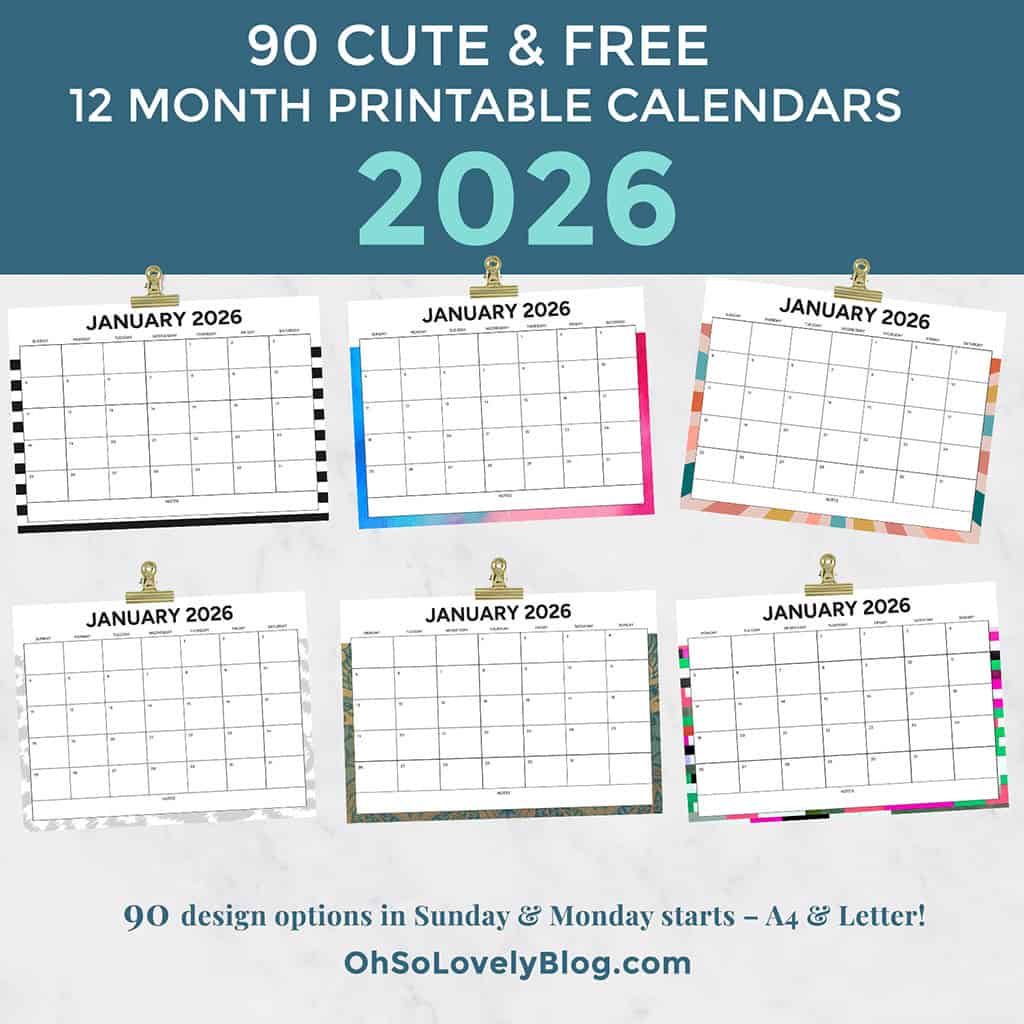
On the hunt for free printable 2026 calendars, I share many FREE options for those too!
How to set up desktop background on a Mac
Choose Apple () menu > System Preferences, then click Desktop & Screen Saver. From the Desktop tab, select a folder of images on the left, then click an image on the right. Desktop & Screen Saver preferences window to add a folder of your own images. Click the Add button below the list of folders. For more information about the settings in this window, click the question-mark icon in the corner of the window.
How to set up desktop background in Windows
The easy way to set a picture as the desktop is to open the image. Then right-click it to choose Set as desktop background. You can also right-click the picture file in browser. You don’t even have to open the picture to set it as the desktop background.