January 2026 – 60 Free Phone & Desktop Calendars!

January 2026 is on the way, and it’s time for my FREE desktop and phone wallpapers!

I designed 60 FREE wallpaper calendars in both Sunday and Monday starts + no-calendar options. There are sooo many options for both phones and desktop.

From New Years, winter scenes, beachy, cozy, plants, crystals, color, neutral, wanderlust, mid-century modern…and more!

*** Get the FREE January 2026 wallpaper download links by clicking any of the numerous turquoise buttons below. They will take you to an organized Dropbox folder. The images can sometimes load a bit slow on Dropbox, but if you view them as a list they show up quicker. email me if you have any issues Audrey@OhSoLovelyBlog (dot) com***

Scroll to preview the 60 free Sunday start desktop options below (they’re also available in Monday starts). Next you can see the phone wallpapers, then the no calendar options.

January 2026 – 60 Free Phone & Desktop Calendars!, Oh So Lovely Blog

More of a phone wallpaper fan? Check out my Monday start options below.

Remember they are also available in Sunday start and no calendar options too.

And now the January 2026 no calendar options! I like to use these so I can keep them up longer.

Finally…my no calendar phone wallpapers. I use these on my phone the most.

Are there any January 2026 wallpapers that you love?

When you share my wallpapers on Pinterest, Instagram, or any other social I really appreciate it! Looking for more freebies, there are lots more here.

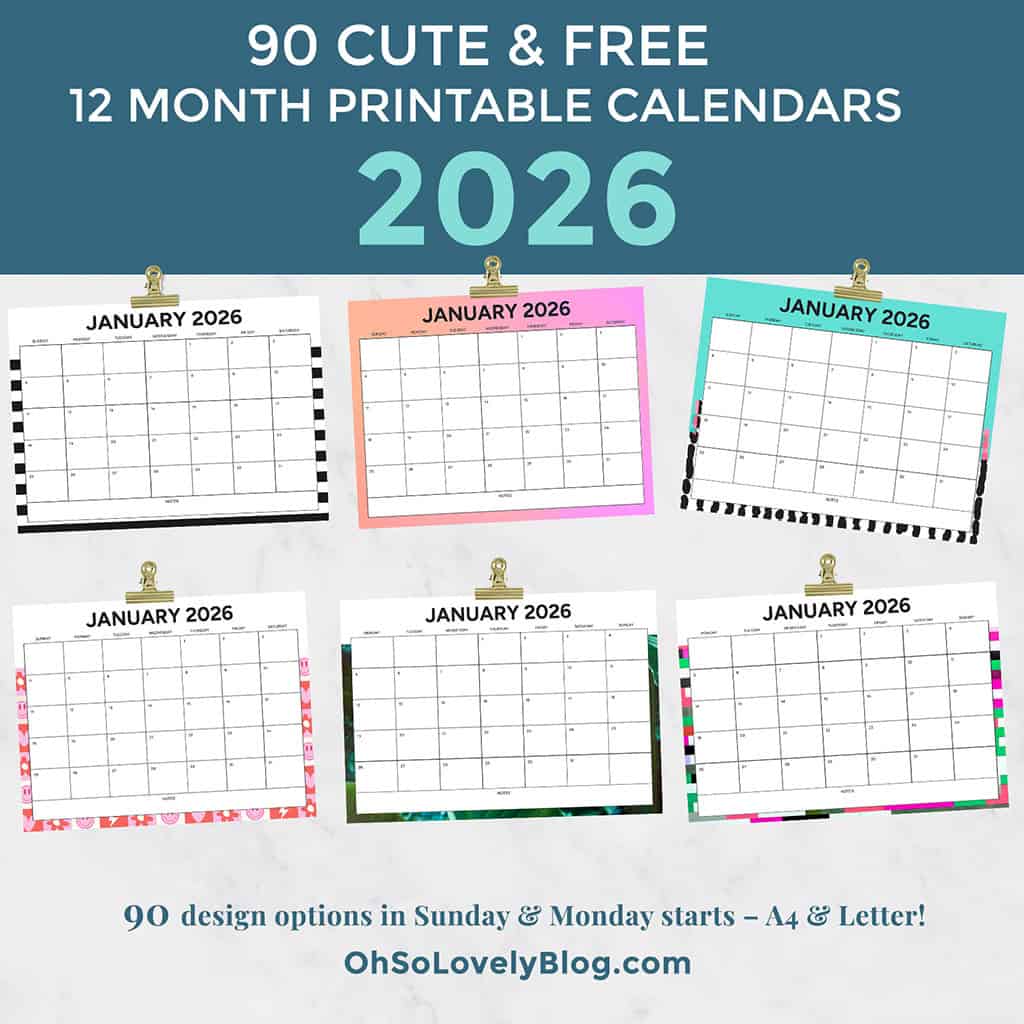
P.S. Looking for my free 2026 printable calendars?  Grab ’em here!

January 2026 – 60 Free Phone & Desktop Calendars!, Oh So Lovely Blog

xoxo
Audrey


How to set up your December desktop background on a Mac
Choose Apple () menu > System Preferences, then click Desktop & Screen Saver. From the Desktop tab, select a folder of images on the left. Then click an image on the right. Desktop & Screen Saver preferences window To add a folder of your own images, click the Add button below the list of folders. For more information about the settings in this window, click the question-mark icon in the corner of the window.

How to set up your desktop background in Windows
The simplest way to set a picture as the desktop wallpaper is to open it so that you can see the image, and then right-click it to choose Set as desktop background. This option is also available when you right-click the picture file in Windows Explorer, and you don’t even have to open the picture to set it as the desktop background.